Lock screen, Dynamic Island and widget
At a glance, without opening the app.
The school day runs live on your lock screen: arrived, napping, in class, on the way, picked up. On iPhone it shows as a Live Activity on the lock screen and in the Dynamic Island, and as the Today widget on the home screen. You choose which child to follow.
Wednesday, 15 October
13:10
Elif · Napping
Nap started
13:10 Elif: Napping, Nap started
Live demo: drawn in the app's design, with sample data.
From the app
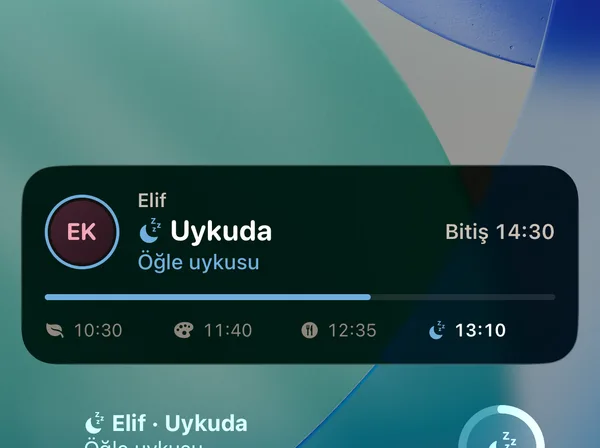
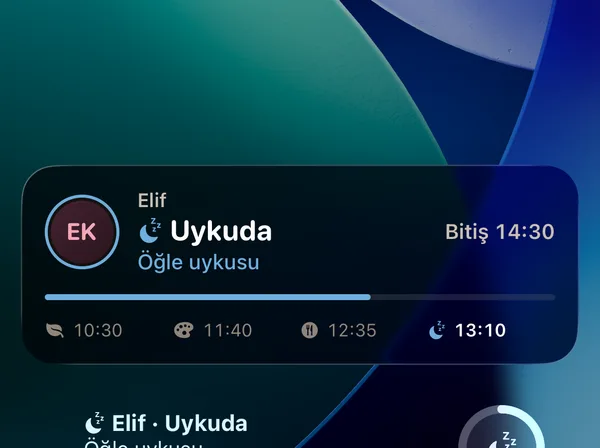
Live Activity on the lock screen
The school day's steps and the lock screen widgets, from the real app.
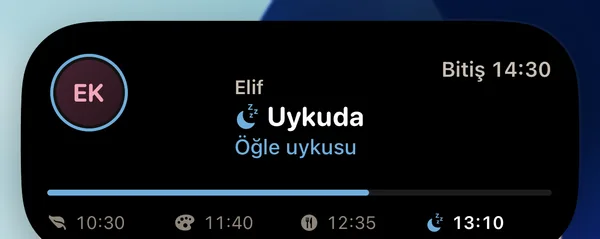
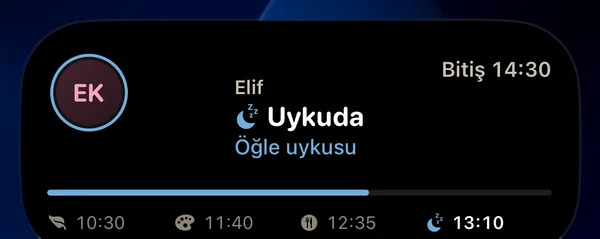
Dynamic Island
When something changes the island opens: napping, until 14:30.
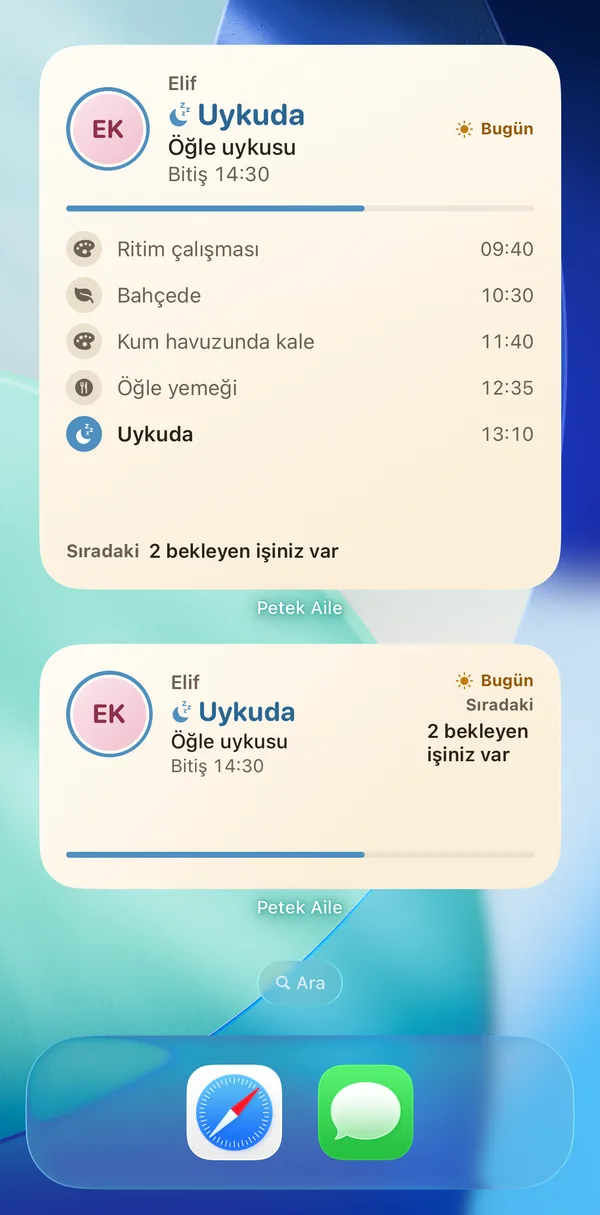
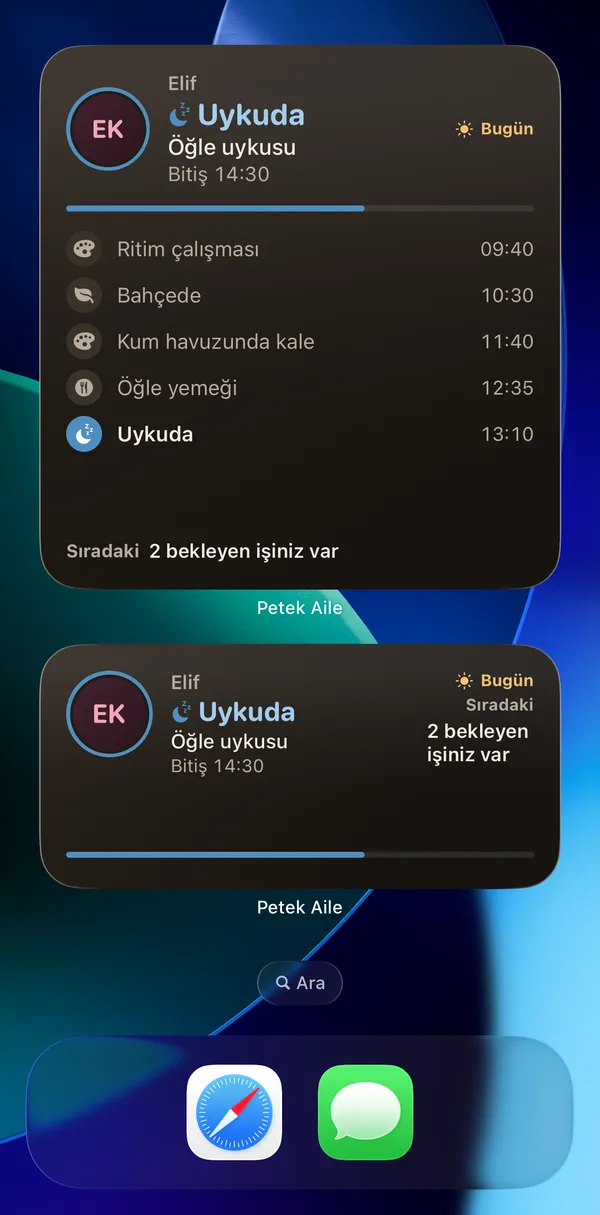
Home screen widgets
Large and medium Today widgets with the day's flow.
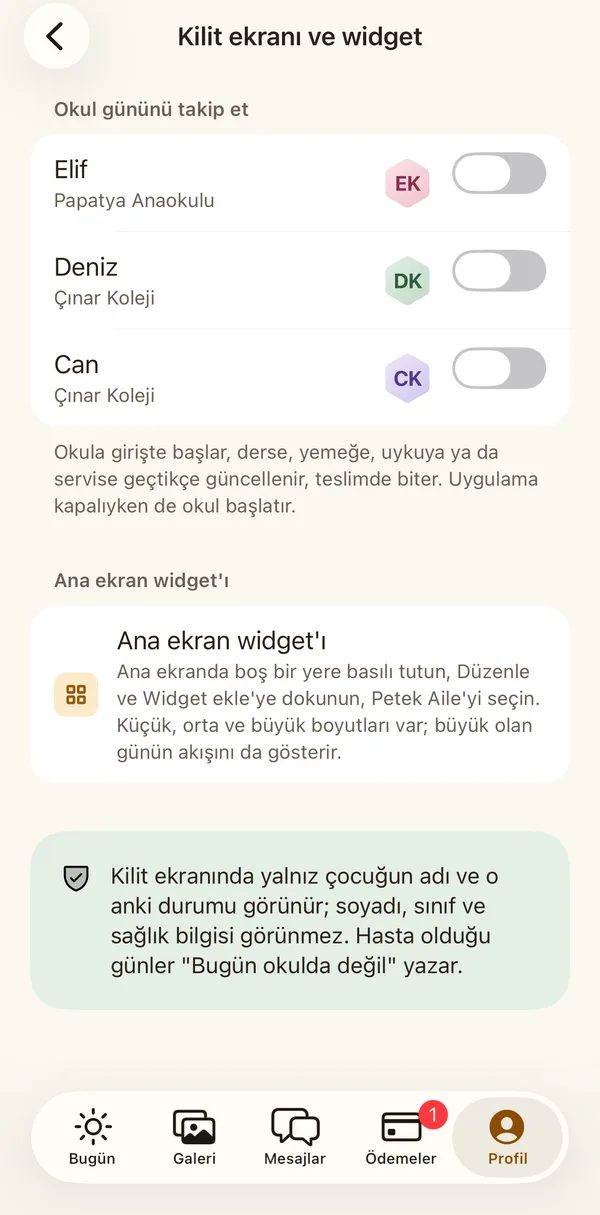
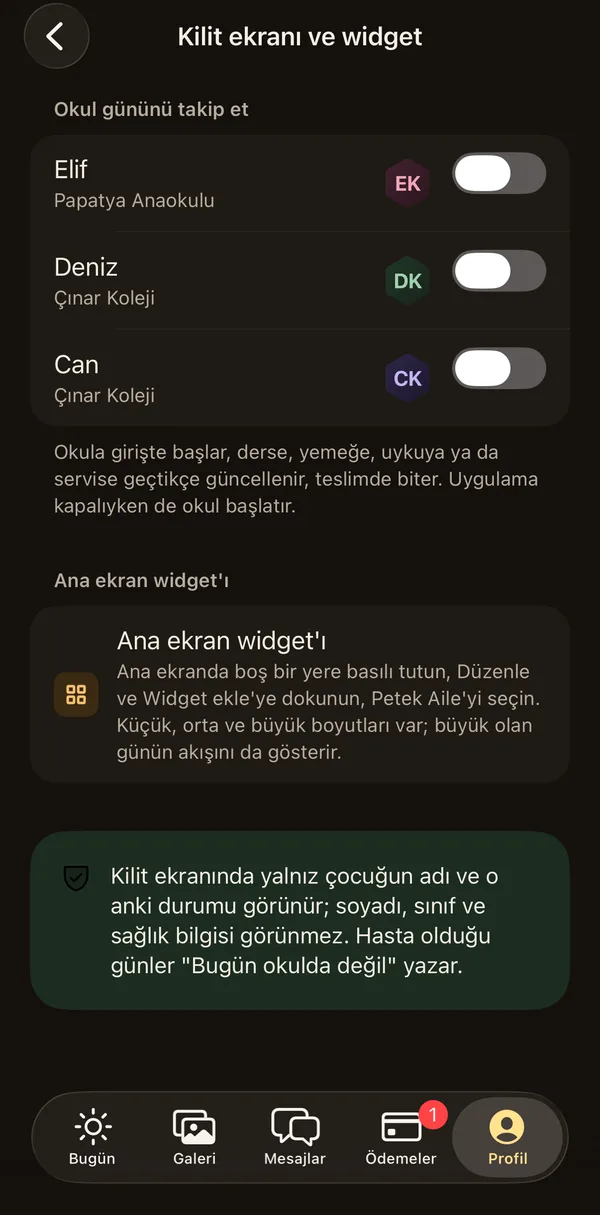
Lock screen and widget settings
You choose whose day to follow.
Elif
Papatya Preschool
- 08:42Arrived at school
- 10:15In class: painting
- 12:30Finished lunch
- 13:10Napping
Large
Elif
Papatya Preschool
Napping
Nap started
NextAwake
Medium
Napping
13:10
Small
13:10 Elif: Napping
What it will do
- Live Activity: the school day and pickup steps on the lock screen
- Compact and expanded views in the Dynamic Island
- Small, medium and large Today widgets for the home screen
- Turn following on and off child by child
- On the lock screen only the first name and current state; no surname, class or health information
Coming soon
- An ongoing notification and home screen widget on Android
We are working on the sections marked "Soon"; when they are ready they reach your app in an update.