Your child's day, in your pocket.
Did they arrive, what did they do in class, what did they eat; the teacher's note and the day's photos. From preschool to high school, Petek Aile is opened by your school, free for parents and without ads.
- Coming soonApp Store
- Coming soonGoogle Play
Coming soon to the App Store and Google Play.
- Free for parents
- No ads, no tracking
- Photo consent per child
- Your school's private space
A parent's day
From the door in the morning to pickup at night, the day in your pocket.
Petek Aile is not a stream of notifications. It tells you what you need to know through the day, when you need it, in a calm voice.
07:45Morning
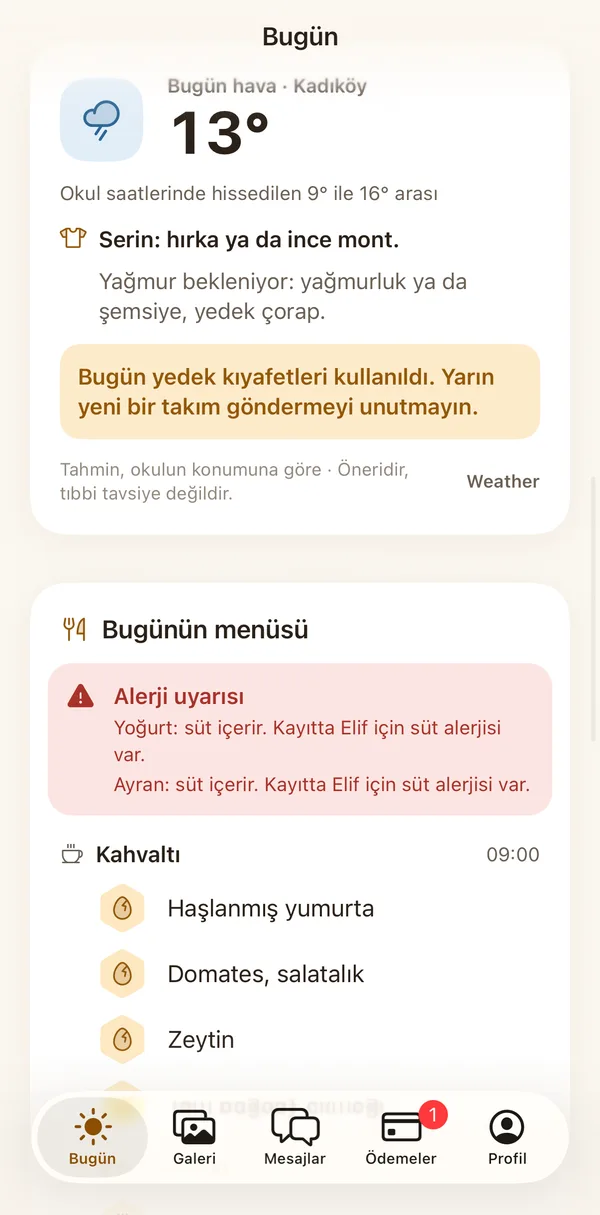
Before you leave: cardigan or coat?
A short clothing tip based on the weather where the school is. If the school used the spare clothes yesterday, you are reminded to send new ones.
08:42At school
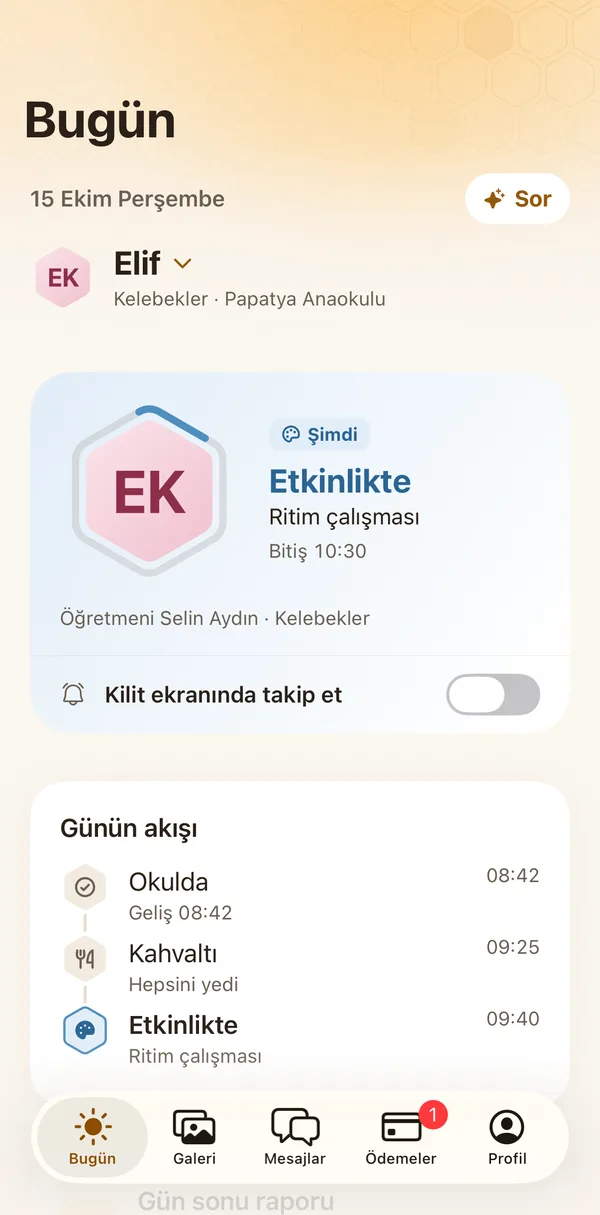
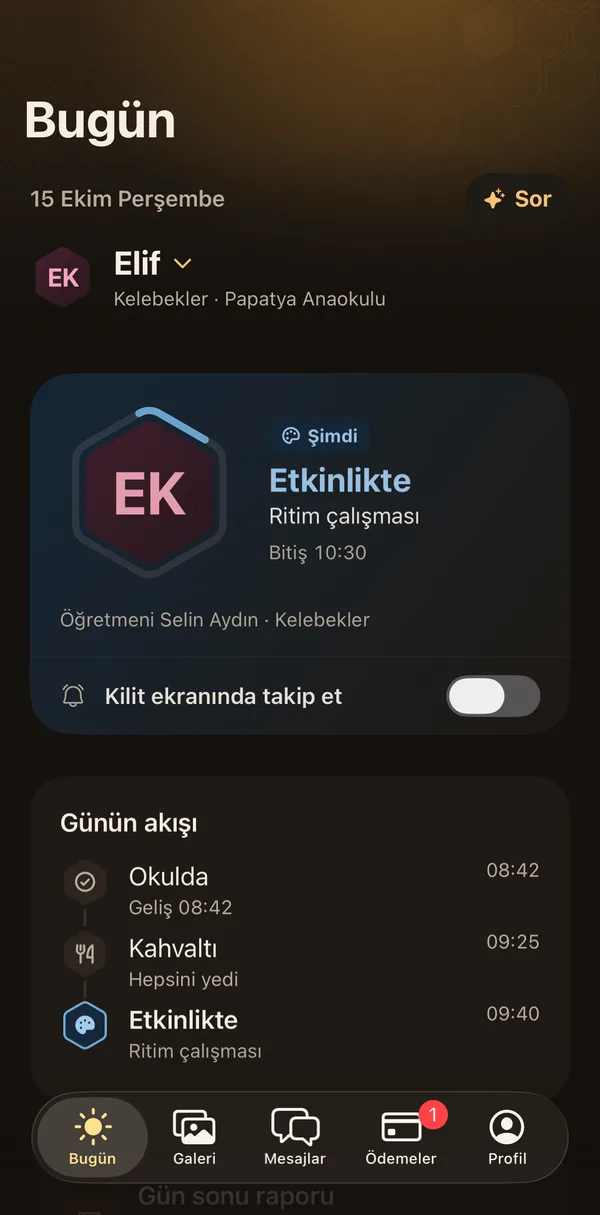
Arrived, now in an activity.
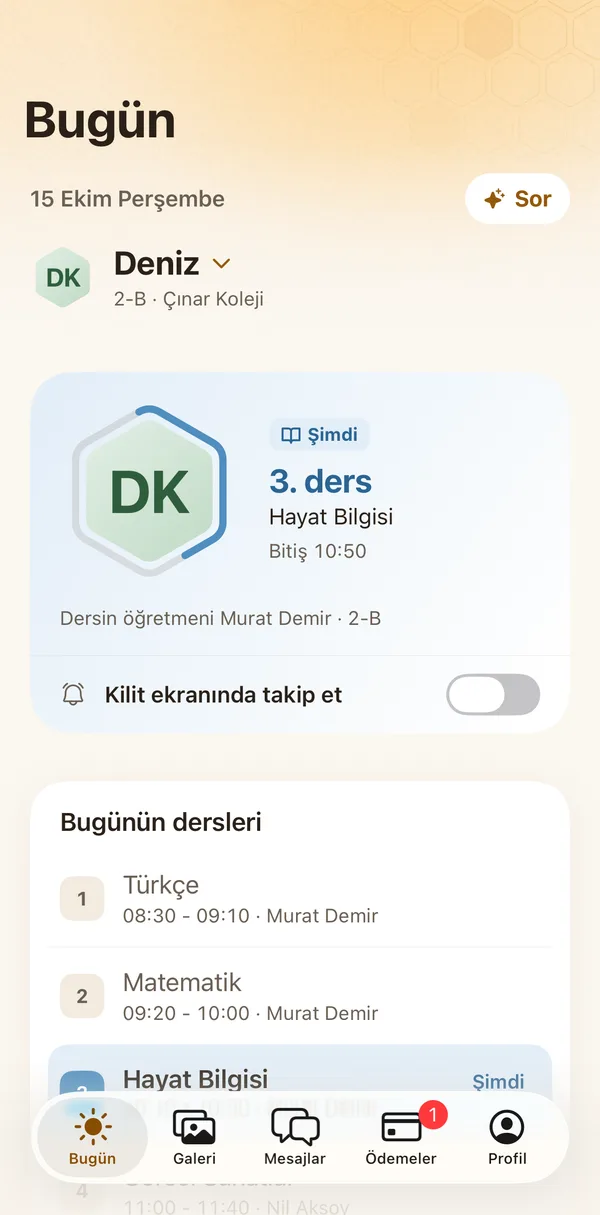
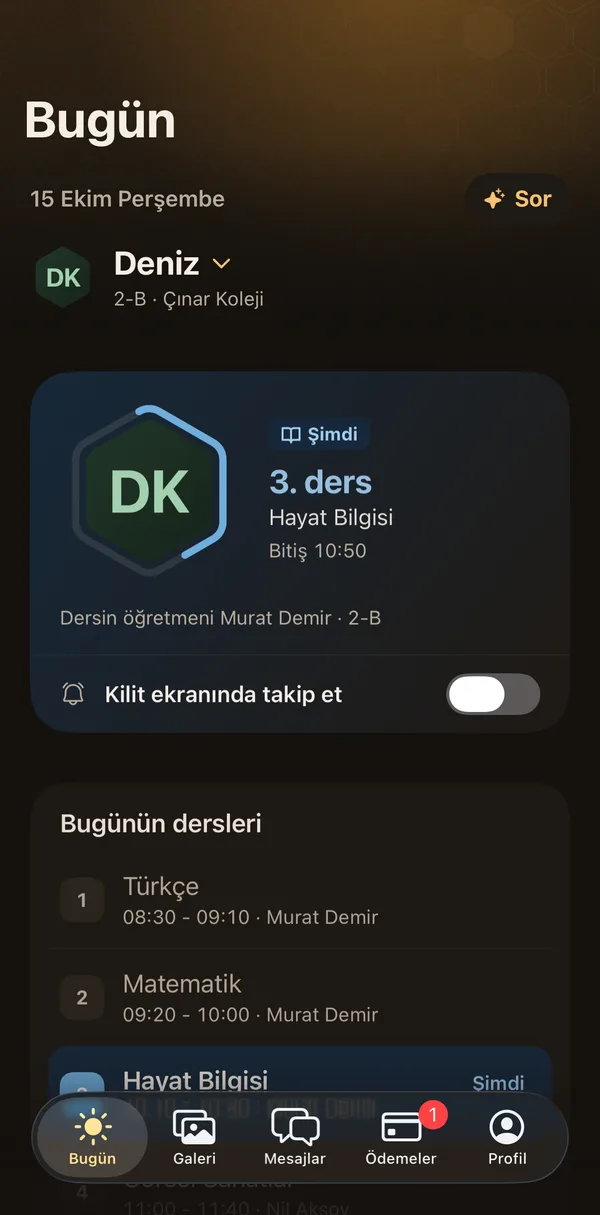
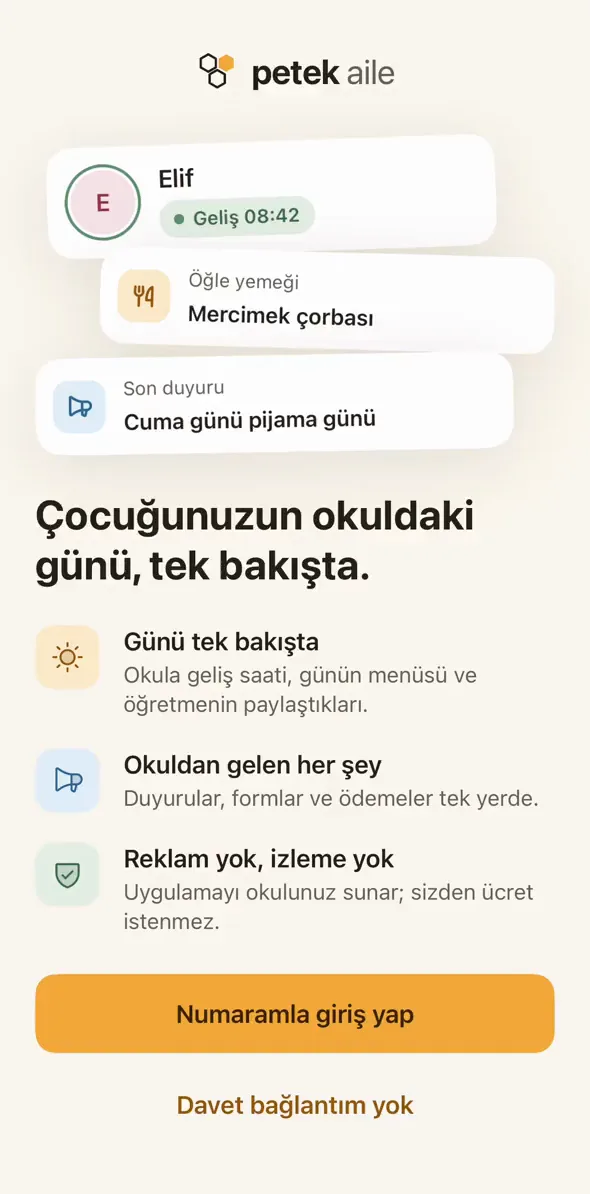
You see it on the first screen the moment your child walks in. The card follows the day: in an activity, at lunch, napping. Class and teacher right below.
12:00Noon
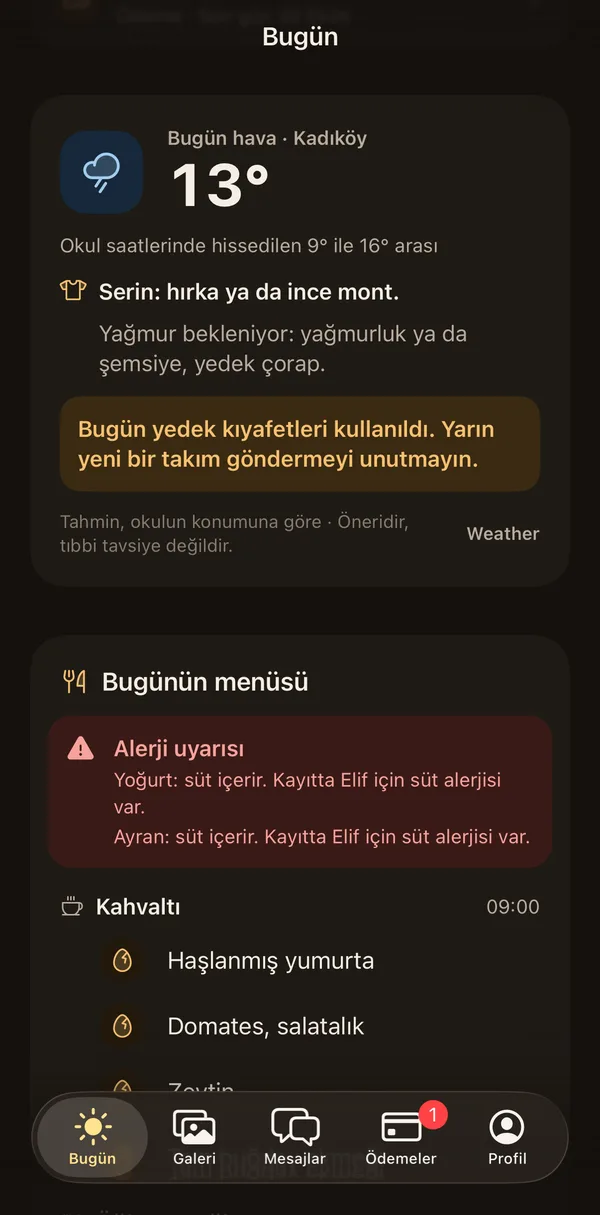
What's for lunch, and does it touch the allergy?
Today's menu, meal by meal. A dish that clashes with the recorded allergen is marked, and you are also told in words.
Today · Wednesday 15 October
Today's menu
Allergy alert
Yoghurt and ayran contain milk. Elif's record lists a milk allergy.
Breakfast09:00- Boiled egg
- Tomato, cucumber
- Olives
Lunch12:00- Lentil soup
- Baked chicken
- Yoghurtcontains milk
Snack15:00- Apple slices
- Ayrancontains milk
13:10Nap
On the lock screen, without opening the phone.
The Live Activity and the Dynamic Island bring the school day to your lock screen. When something changes the island opens for a moment, then settles. Only the child's first name and current state show there.
Wednesday, 15 October
13:10
Petek AileButterflies14:30Elif · Napping
Afternoon nap
13:10 Elif: Napping, Afternoon nap
16:30Day's end
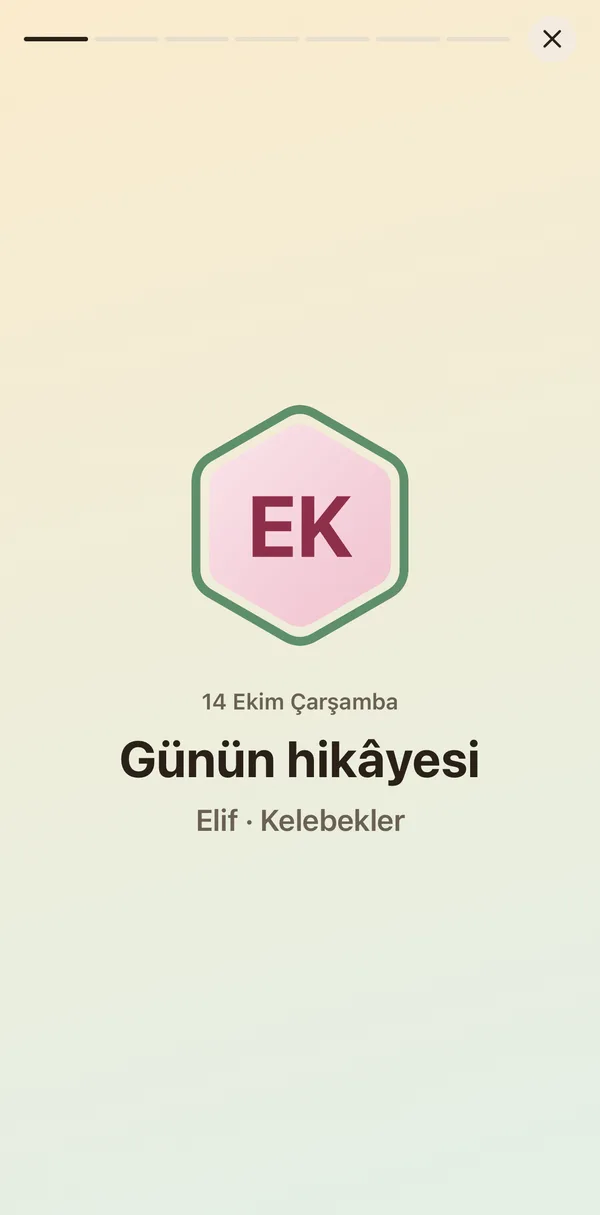
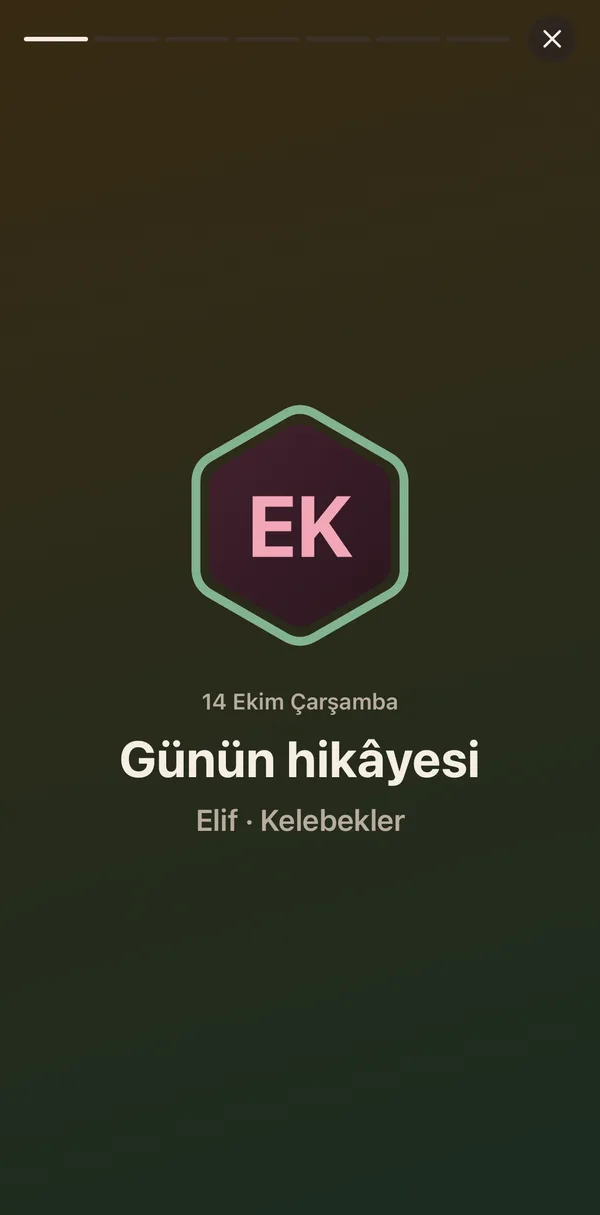
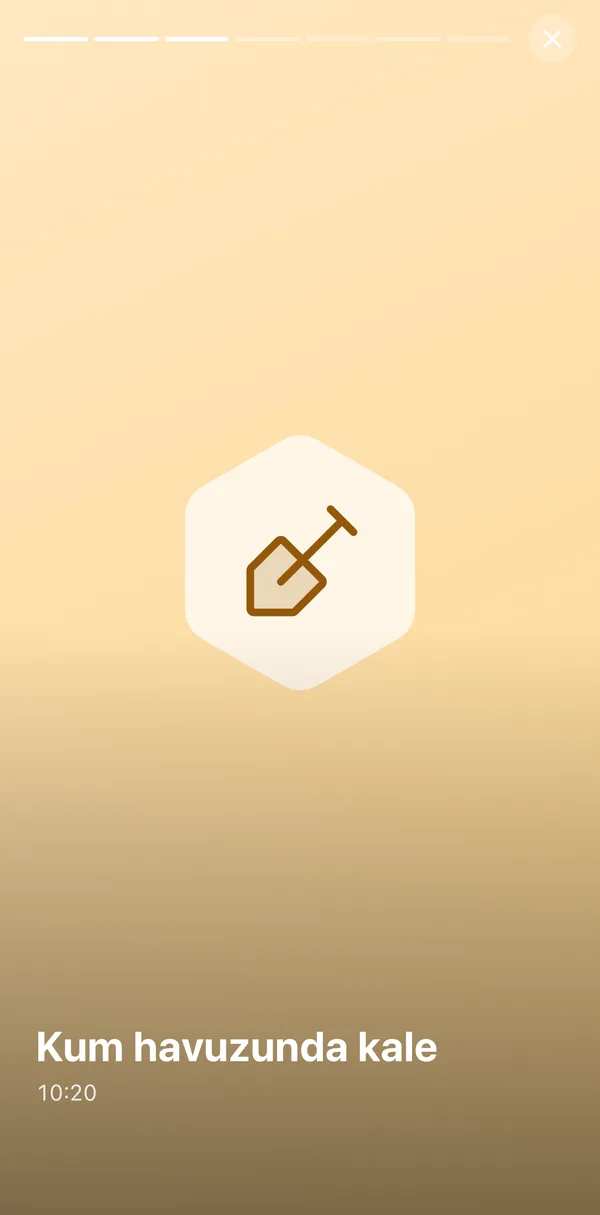
The day's story, in one notification.
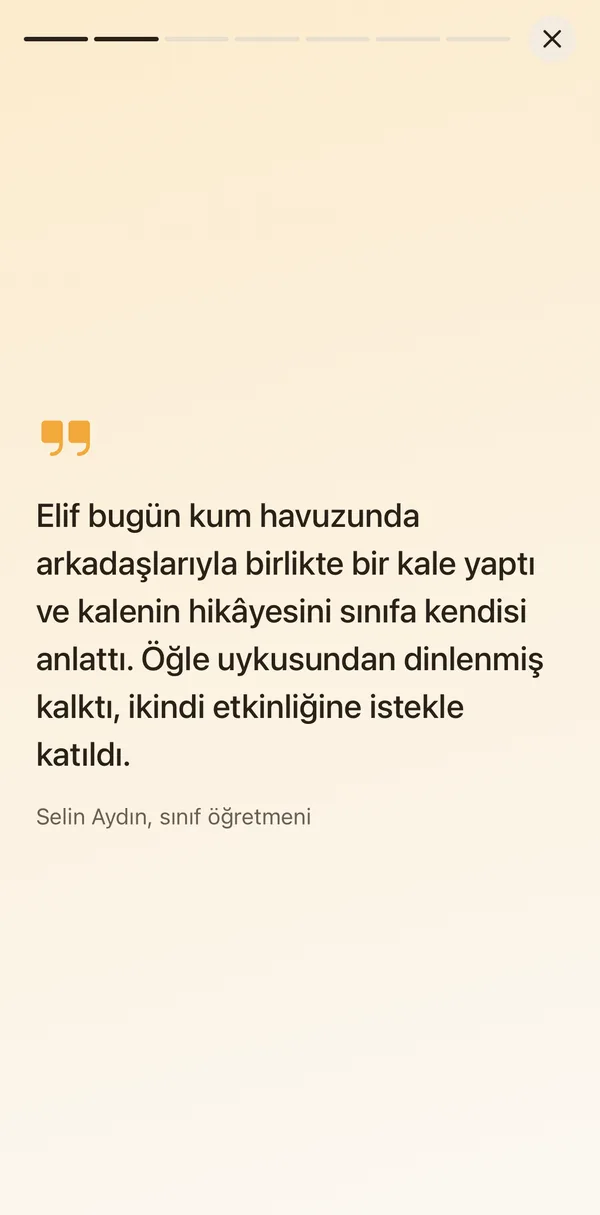
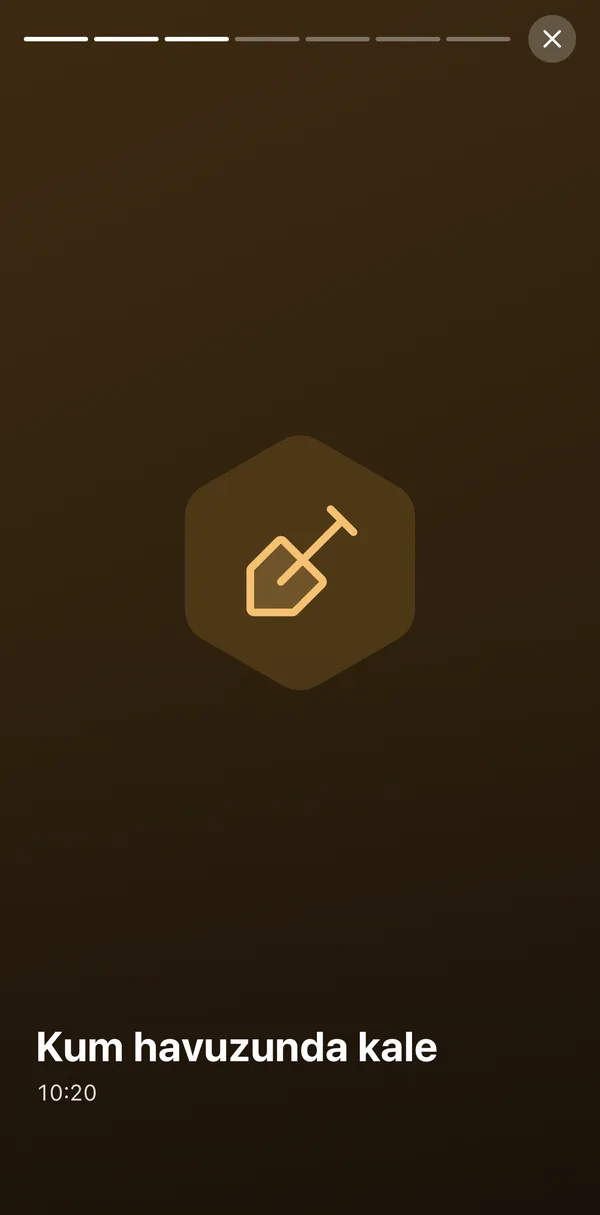
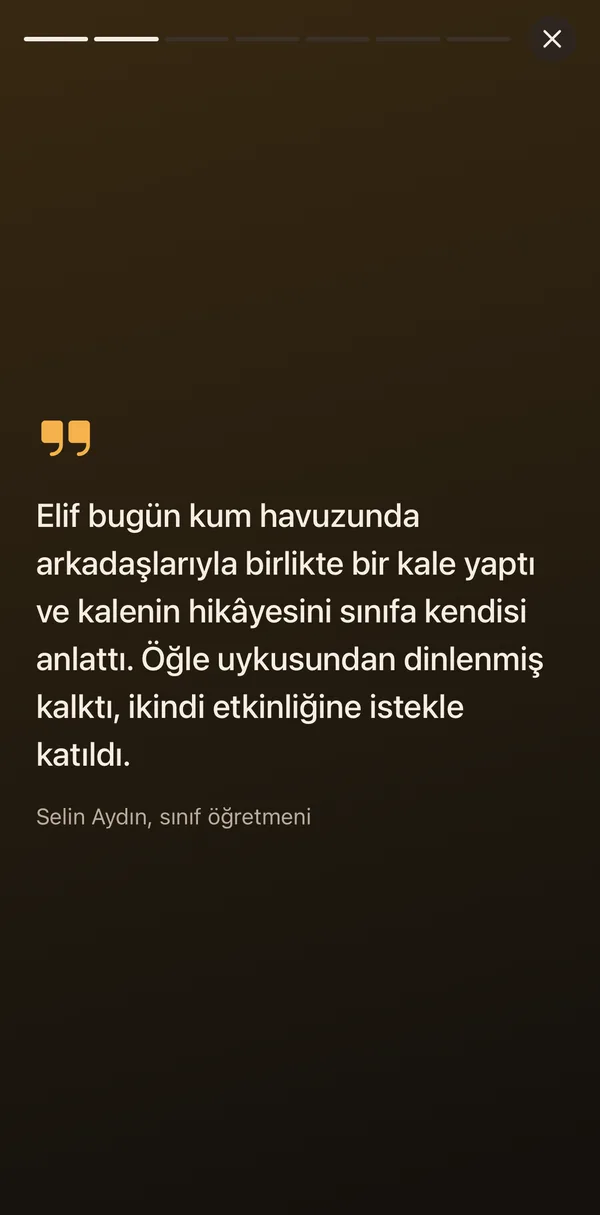
When the teacher closes the day, its moments, photos and the teacher's note become a short story you swipe through. Something to talk about at dinner.
17:05Setting off
On my way: how many minutes away?
Pick 10, 15, 20 or 30 minutes, or share your location if you like. The teacher gets your child ready; at the door you tap At the door.
On my way to school
Let the teacher know when you will arrive.
6
min away
Share with my locationOr set the time yourself
10 min15 min20 min30 minThe teacher is getting Elif ready
On my wayAt the doorHandover17:20Pickup
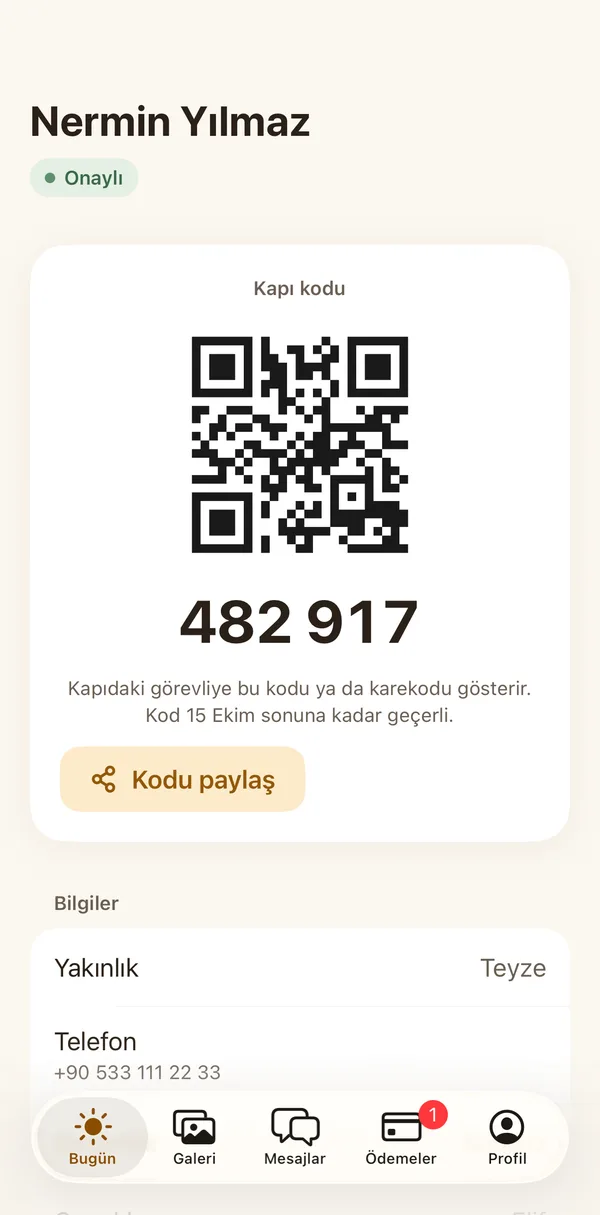
At the door, with your code.
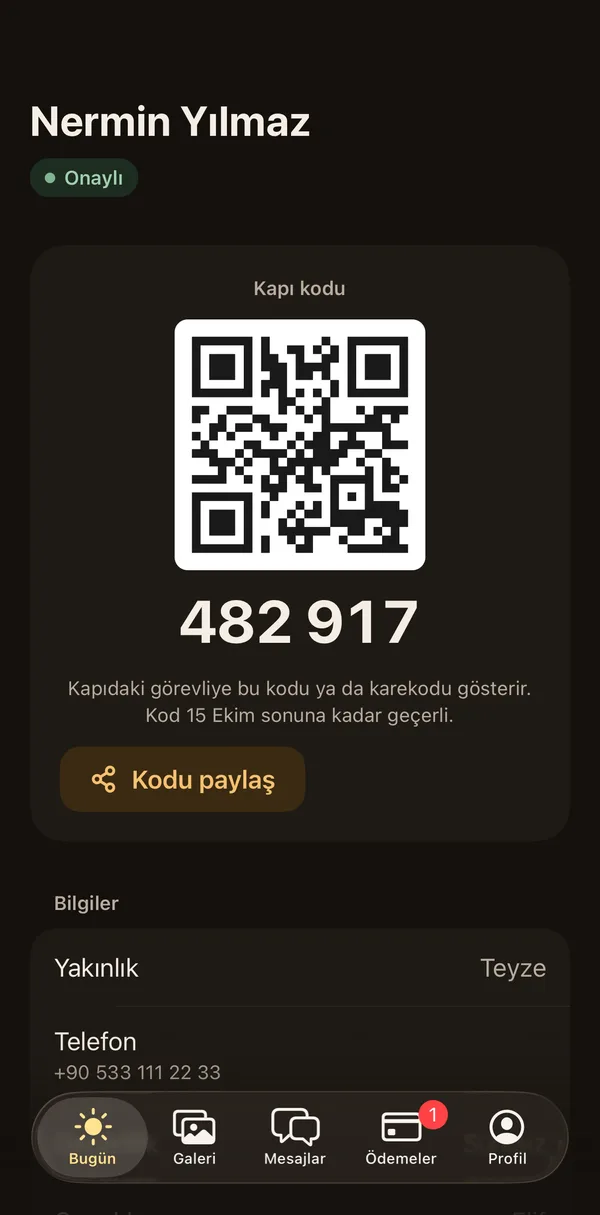
Show the staff at the door your daily code or QR code. If someone else collects, you share the code; you hear when the handover is done.
On the lock screen
Know how the day is going without opening your phone.
The Live Activity, the Dynamic Island and the Today widget bring your child's day to your lock screen and home screen. They say what happened in words; you do not have to open the app.
Wednesday, 15 October
08:42
Elif · Arrived at school
08:42 · In the Butterflies class
Elif
Today
- 08:42Arrived at school
Moments of the day
Illustrative; screens follow the sections your school turns on. Petek Aile is for every school type, from preschool to high school.
On the home screen
Three sizes, one glance.
The Today widget sits on your home screen: small shows the moment and its time, medium what is happening and what is next, large the whole day. You choose which child to follow.
Elif
Papatya Preschool
- 08:42Arrived at school
- 10:15In class: painting
- 12:30Finished lunch
- 13:10Napping
Large
Elif
Papatya Preschool
Napping
Nap started
NextAwake
Medium
Napping
13:10
Small
13:10 Elif: Napping
What's coming
A parent's business with the school, in one app.
You see the sections your school turns on. They are all part of the same school's Petek; information is entered once, in one place.
We are working on the sections marked "Soon"; when they are ready they reach your app in an update.
A closer look
Small things, real peace of mind.
From choosing clothes in the morning to pickup in the evening, the things parents ask every day take a few taps.
Pickup at the door and pickup permission
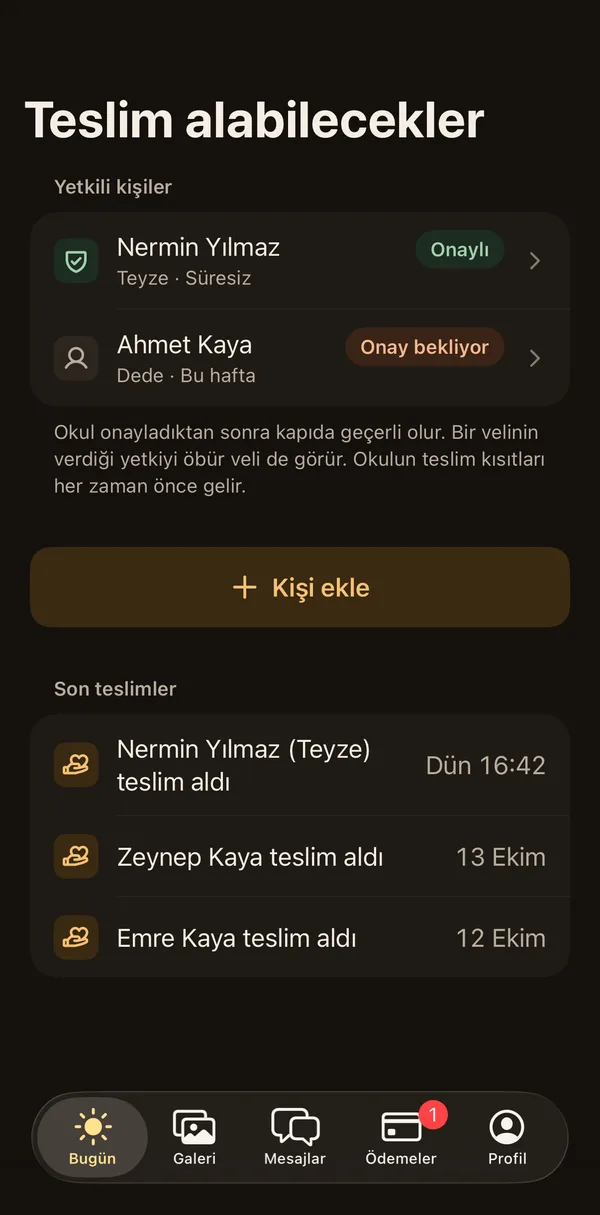
You decide who may collect your child.
You add the people who may collect your child from the app: with no end date, for today only, for this week or until a date. Once the school approves, the permission is valid at the door and the other parent sees it too; the school's pickup rules always come first. When someone else collects your child, you hear at once.
Details: Pickup at the door and pickup permission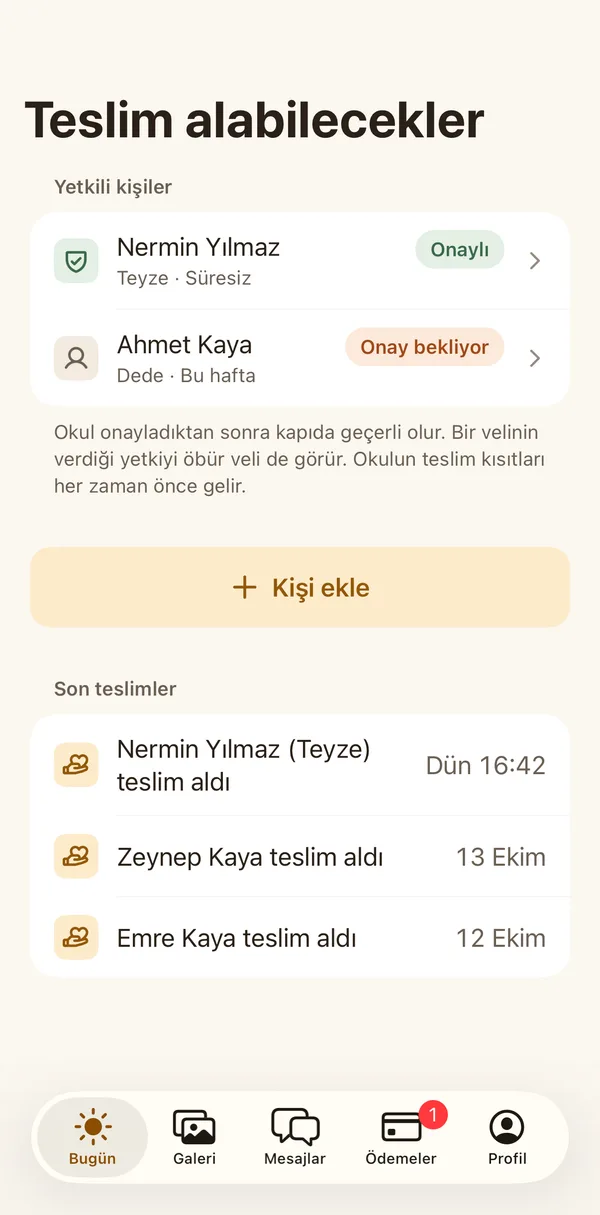
Weather and what to wear
Before you leave: coat or raincoat?
In the morning you see a short clothing tip based on the weather where the school is. It looks at the feels-like temperature, chance of rain, wind and UV. If the school used your child's spare clothes, you are reminded to bring new ones.
Details: Weather and what to wearForms, permissions and trip consent
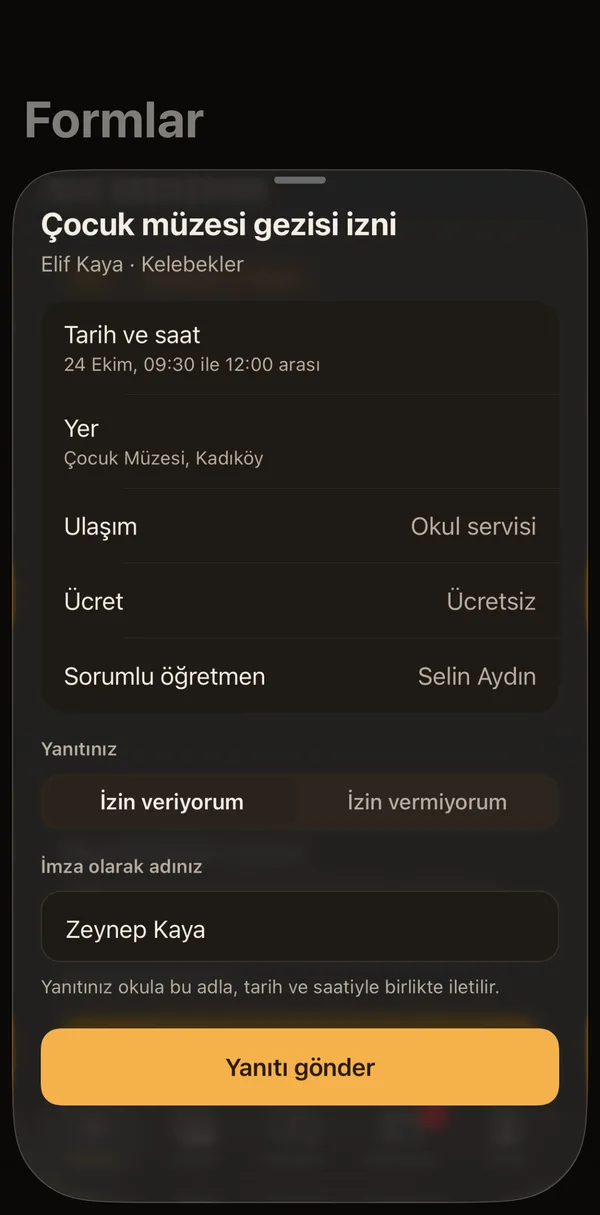
Answer a permission form in a few taps, and keep the record.
You answer the school's forms from the app. For a trip, the date, place, transport, fee and teacher in charge are in front of you. Your answer reaches the school with your name, date and time, is filed in the school's trip record with the MEB EK-5 details, and you keep a permission slip too.
Details: Forms, permissions and trip consent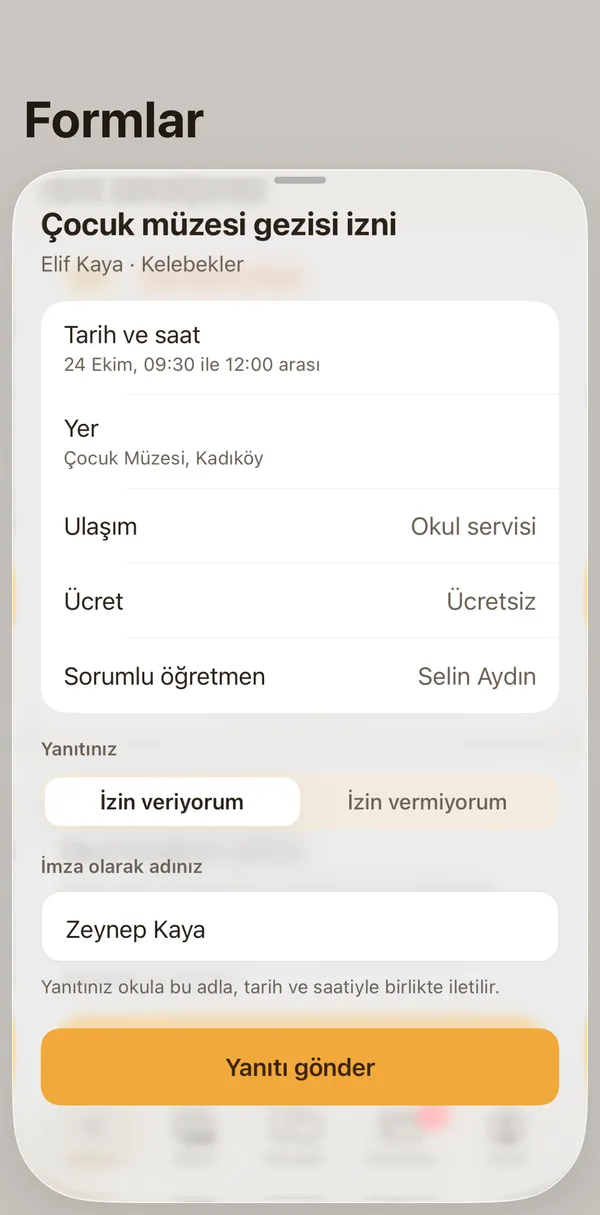
Privacy first
Trust, by default.
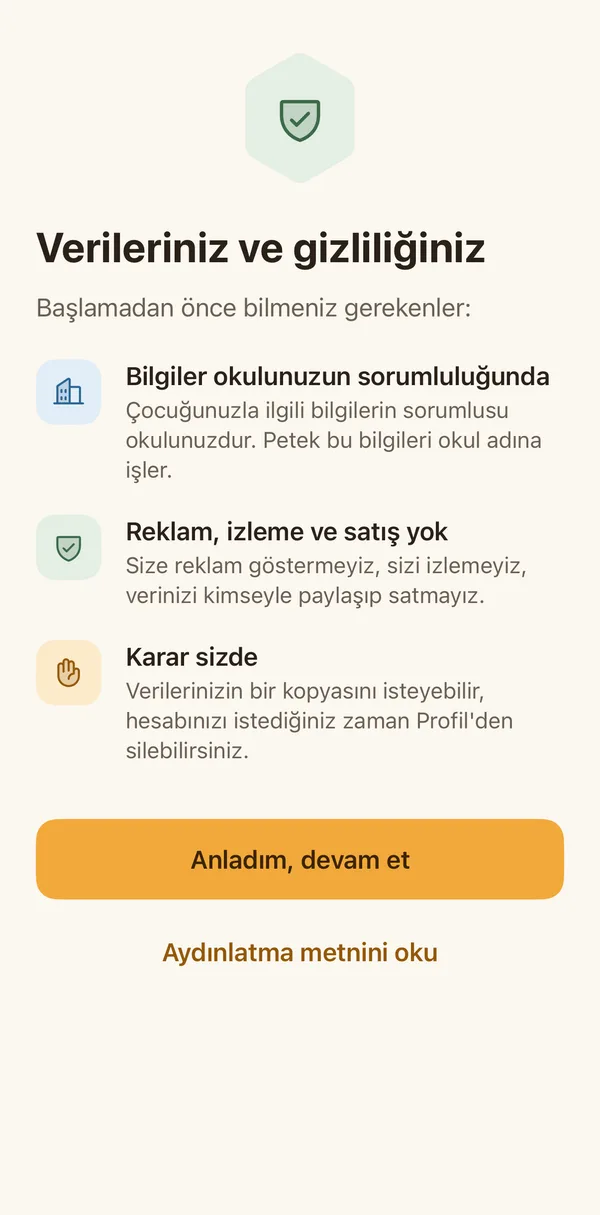
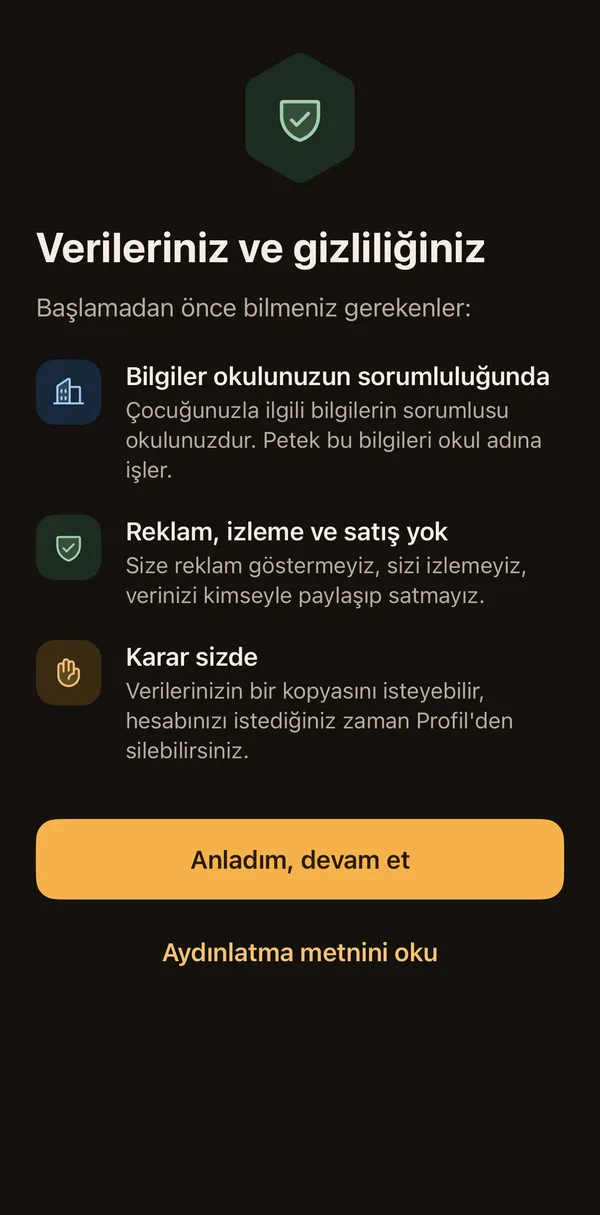
Every detail about your child is shared in the school's private space, with your permission. Under KVKK your school is the data controller; Petek processes the data on its behalf.
Consent in your hands
You decide channel by channel where a photo may be used; withdraw it and earlier pictures are hidden too.
A private gallery
Photos are shared only in the school's private space, only with invited families; location data is removed.
No ads, no tracking
No ads, no ad measurement, no tracking; your data is never sold and parents are never charged.
Getting started
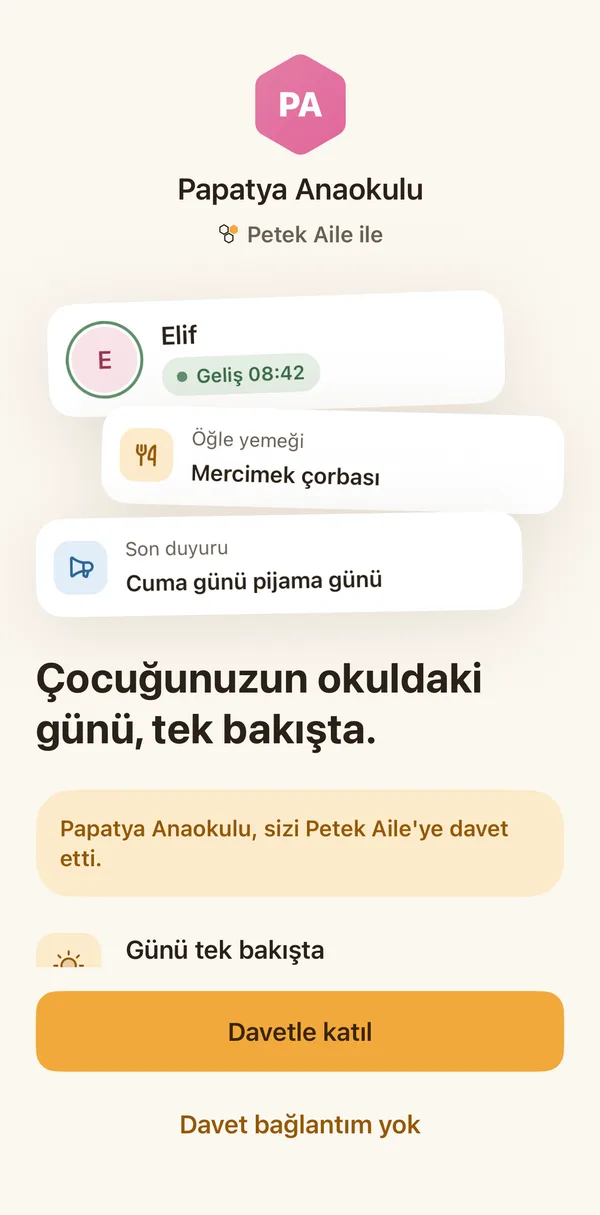
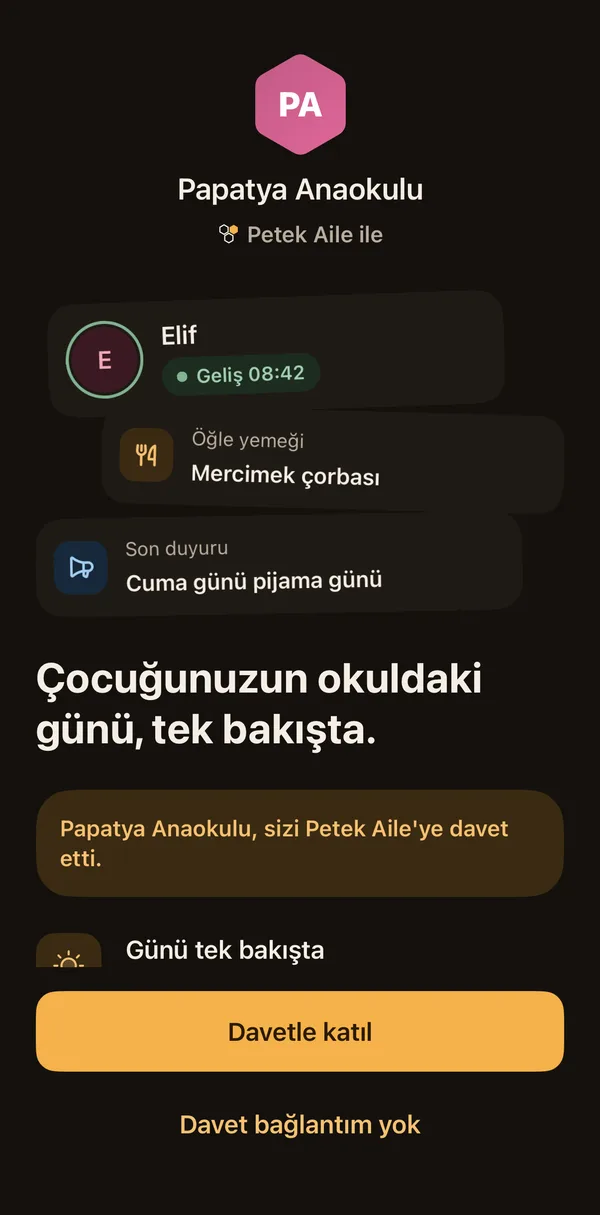
An invitation arrives, and you are in within seconds.
- 1
Your school invites you
The school invites parents from the student list in Petek. A link reaches your phone by SMS or WhatsApp.
- 2
Sign in with your phone
Tap the link and type the code sent to your number. No password to remember.
- 3
Your child is there
When the app opens, your child, their class and their day are ready. You invite your partner and grandparents yourself.
A question?
Ask Petek Aile.
How does the app work, where is my data kept, how does my school turn it on? Answered at once, from this site's own information.
FAQ
Questions parents ask
When will Petek Aile be out?
Petek Aile is being built and is coming soon to the App Store and Google Play. When your school opens Petek Aile, your invitation arrives on your phone.
Do parents pay?
No. The school pays for Petek Aile. There is no paid version, no paid photos and no ads for parents.
How do I join?
Your school invites you from the student list in Petek. Tap the link on your phone and type the code sent to your number. There is no sign-up form.
Who sees my child's photos?
Photos are shared only in the school's private space, only with invited families and only as far as you allow. You can withdraw your consent any time.
Petek Aile is coming soon.
Coming to the App Store and Google Play. When your school opens Petek Aile, your invitation arrives on your phone.
- Coming soonApp Store
- Coming soonGoogle Play
Your school does not use Petek yet? For schools